
Safe Air Fryer Cooking Without Sight: Visually Impaired Guide
By Daniel Okafor • 16th Jan
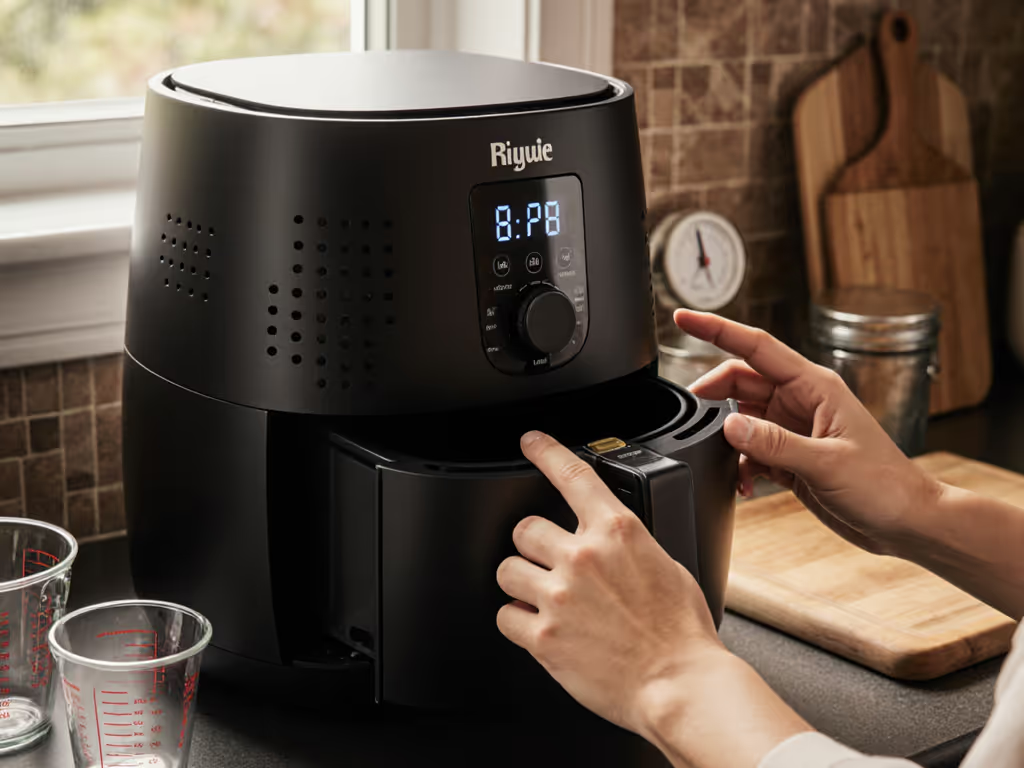
When my neighbor first tried air frying, he felt like he was playing darts blindfolded, reaching for dials he couldn't see, guessing at doneness, and dreading accidents. But after we mapped simple tactile techniques and audio cues to his oven air fryer conversions, his kitchen transformed from a guessing game to a reliable system. Today, he confidently cooks for his family using a straightforward framework that works whether he's preparing one chicken breast or eight. This guide delivers that same clarity for visually impaired cooks, pairing proven air fryer conversions with reliable audio and tactile feedback that turns uncertainty into consistency. For anyone seeking an air fryer for visually impaired kitchen safety, the right techniques (not special equipment) make all the difference.
Why air fryers are uniquely suited for blind and low-vision cooks
Air fryers offer inherent advantages for visually impaired cooking that many don't initially recognize. Unlike traditional ovens where you must visually check progress, air fryers operate as closed systems with predictable timing. Their compact design minimizes reach hazards, while consistent hot air circulation reduces the need for constant visual monitoring.
Research from organizations like Blind Veterans UK confirms air fryers improve safety and confidence in blind cooking by eliminating open-flame risks and reducing the need to check food mid-cycle. The key is establishing tactile reference points on your unit (like raised bumps at key temperature settings or spaced-out tactile markers for time increments). If you're choosing controls, see our analog vs digital air fryer comparison to weigh tactile dials against audio-confirming touchscreens. One reader mapped her dial placements using rubber bump dots, creating a system that works across multiple units.
Scale portions, not stress; conversions make consistency your superpower.
Safety first: Tactile air fryer techniques that prevent accidents
When cooking without sight, establishing reliable tactile markers transforms your air fryer from a black box into a predictable tool. Here's how to create your safety system:
- Apply textured stickers at critical control points (200°F, medium time setting)
- Mark the basket's full capacity line with a raised tab so you never overload
- Create a "shake zone" indicator on the basket handle (where you can safely nudge it without reaching near heat)
- Use rubber bump dots to differentiate preset buttons for common foods
Unlike ovens where you must open the door and visually assess, proper air fryer audio cues provide critical feedback without requiring sight. For safer handling and better tactile control, consider our tested air fryer accessories like heat-resistant gloves, divider racks, and low-profile thermometers. Many models offer audible signals for preheat completion, halfway-shake reminders, and safety alerts for high temperatures. These audio cues become your eyes, replacing visual monitoring with reliable sound prompts.
How to convert oven recipes to air fryer timings without visual guidance
The conversion framework that eliminates guesswork
The most reliable oven air fryer conversions follow this pattern:
- Temperature: Reduce by 25°F from oven temperature (e.g., 400°F oven = 375°F air fryer)
- Time: Start with 70% of oven time, then verify with thermometer
- Spacing: Always leave 1 inch between pieces for even air circulation
This conversion works because air fryers circulate superheated air directly around food, creating faster browning than conventional ovens. But crucially, you don't need to see the results to verify doneness, you need precise internal temperature targets paired with timing.
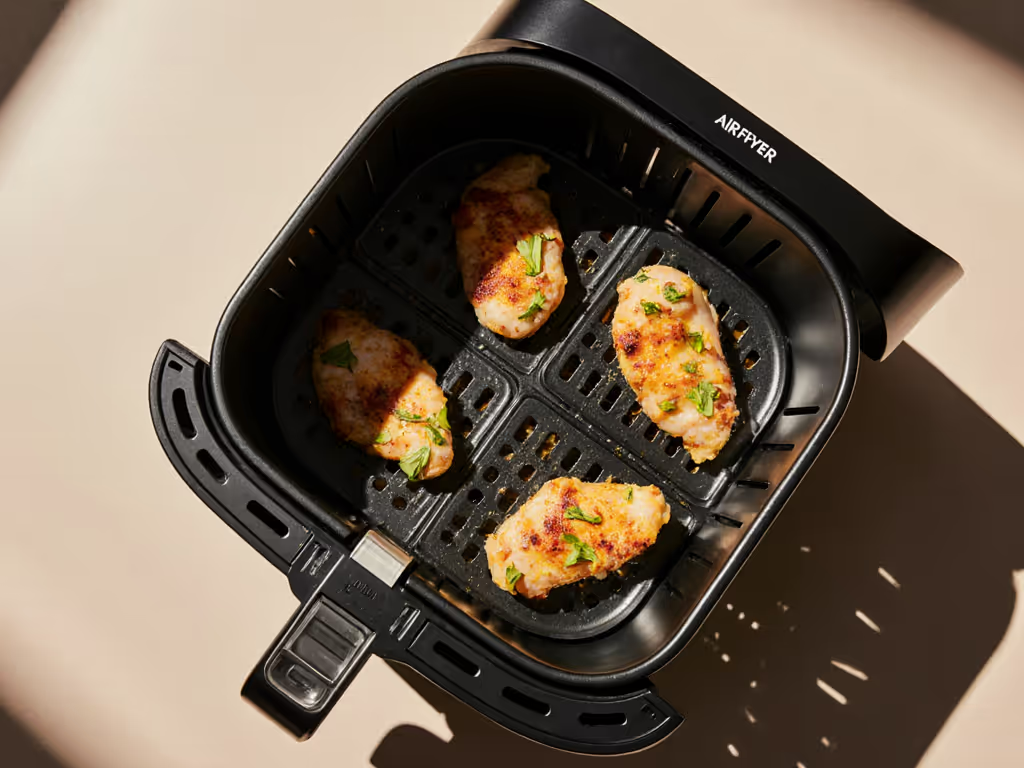
For chicken thighs (bone-in), oven at 400°F for 35 minutes converts to air fryer at 375°F for 25 minutes. But always pair this with checking internal temperature: 165°F at the thickest part indicates doneness. Probe, don't guess.
Handling multiple portions without sight
The scaling step many visually impaired cooks struggle with is portion adjustment. When doubling portions in your air fryer, don't merely double the time, which leads to uneven cooking and dryness. Instead:
- Keep temperature consistent
- Add only 15-20% more time per doubling (e.g., 2 chicken thighs = 20 minutes, 4 thighs = 23-24 minutes)
- Rotate basket 180 degrees halfway through cycle
- Add 30-second shake cue at 60% of cooking time
This approach prevents the "first batch cools while waiting" problem that plagues many visually impaired cooks. If you're planning full weeks of food, use our 5-step air fryer meal prep system to keep portions hot without extra monitoring. The incremental timing adjustment, paired with the shake reminder, ensures even cooking without requiring sight.
How to verify food safety without visual cues
The thermometer method that replaces "cook until golden"
"Until done" instructions are dangerous for visually impaired cooks. Instead, create a temperature reference sheet with raised tactile markers at critical doneness points:
- Poultry: 165°F (use dot marker at needle position)
- Pork: 145°F (raised line at this point)
- Fish: 145°F or flaky texture (texture sample attached)
Place your thermometer so the probe tip rests at the food's thickest point before closing the basket. When the audio alert sounds for halfway through cooking, use your tactile markers to verify you're on track. Always include resting time in your timing (5 minutes for chicken, 3 for fish) as this allows carryover cooking without additional monitoring.
Building your routine: Making air fryer cooking predictable
Creating your audio-tactile workflow
The most successful visually impaired air fryer users establish a consistent workflow that pairs timing with physical actions:
- Prep phase: Arrange ingredients with consistent spacing (use basket grid as tactile guide)
- Start phase: Set time/temperature with textured markers, listen for confirmation beep
- Mid-cycle: Respond to "rearrange food" audio cue with your established shake pattern
- Finish phase: Listen for completion alert, verify with thermometer, note resting time
This workflow turns air fryer safety for blind users from a challenge into a reliable system. If mobility is also a factor, see our accessible air fryer positioning guide for safe counter heights, reach zones, and grip aids. One user I worked with created a braille timing chart that clips to her air fryer, showing exact shake points and verification steps for her most-cooked items.
Why conversions beat complicated features
Many "accessible" air fryers market voice guidance as the solution, but simple conversions deliver more reliable results. A talking air fryer audio cues might tell you "cooking complete," but without knowing what you're cooking, that information is useless. When you understand the conversion principles between oven air fryer methods, you can independently determine whether "done" means 12 minutes at 380°F for frozen fries or 18 minutes at 350°F for fresh chicken wings.
Conclusion: Your pathway to confident cooking
Air fryer cooking without sight isn't about special equipment, it's about establishing reliable conversions and verification systems that work with your existing abilities. By focusing on precise temperature targets, incremental timing adjustments, and tactile/audio feedback points, you transform cooking from a guessing game into a repeatable routine.
The techniques outlined here: tactile markers, audio alerts, thermometer verification, and portion scaling, create a framework that works across almost any air fryer model. Whether you're using a basic basket-style unit or a premium model with presets, these methods provide consistent results without requiring sight.
Ready to build your personalized air fryer system? Start with one conversion (like frozen french fries) and map the complete tactile/audio workflow from prep to resting. Once you've mastered that recipe's rhythm, you'll have the confidence to expand to more complex dishes. The most rewarding kitchen moments come not from flawless execution, but from the quiet satisfaction of knowing exactly what's happening inside that basket (even blindfolded).
Related Articles
Safety & Best Practices
Air Fryer Safety for Kids: Your Essential Guide
Adopt data-backed habits - smart placement, barriers and mitts, thermometer targets, basket capacity limits, and maintenance - to reduce burns and foodborne illness and make kid-safe air fryer cooking automatic. Use the simple checklist to turn safety into a repeatable, low-stress routine.